TL;DR
Review the full AI-authored rules, then create and verify a separate running paper portfolio before observing it. An accepted preview or saved inactive draft has not started evaluation. Use the paper deployment’s own history and confirm pending simulated orders through paper order review; empty history alone does not justify another deployment. Freeze the rules and observation window, then compare actual signals and simulated fills with the plan before considering a separate brokerage workflow.
- Mode
- Paper simulation
- Measurement
- Recorded deployment history
Follow one worked path
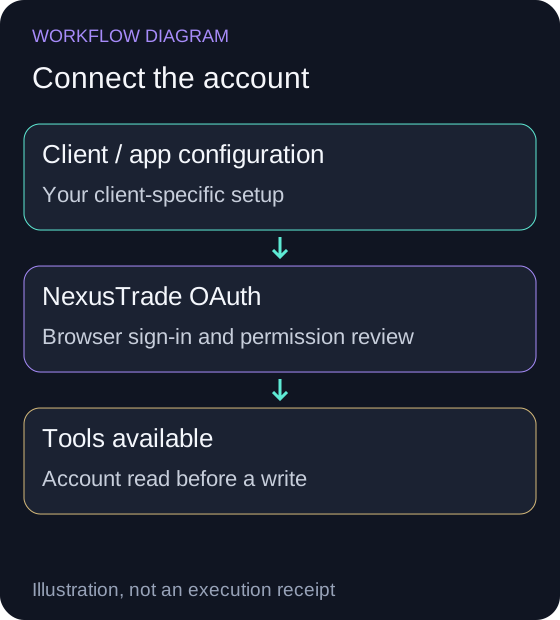
Connect the intended account
Follow this client's setup below and finish NexusTrade sign-in. Enable the connected app or server for this conversation.
NexusTrade appears in the client's tools. An instructions-only plugin does not provide account access.
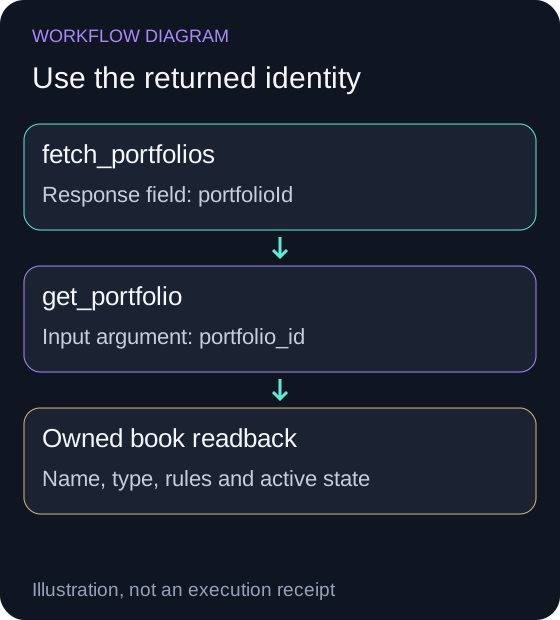
Check one owned portfolio
Read fetch_portfolios, then pass a returned portfolioId as portfolio_id to get_portfolio. Match the name and type with your NexusTrade account.
The intended owned book is returned. An authenticated empty list is valid for a new account; fix an account mismatch before saving anything.
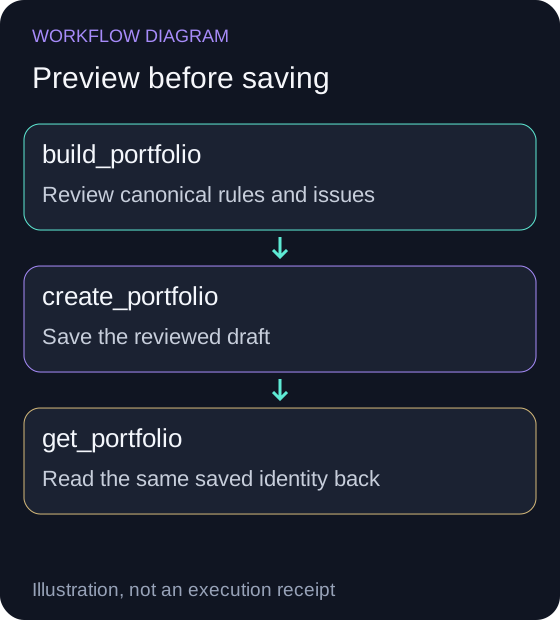
Review the paper draft
Validate the full candidate and read back its saved draft before deployment. Review capital and deployment cadence separately from the historical test interval.
The candidate's rules and type are confirmed. A saved inactive draft has not begun paper evaluation.
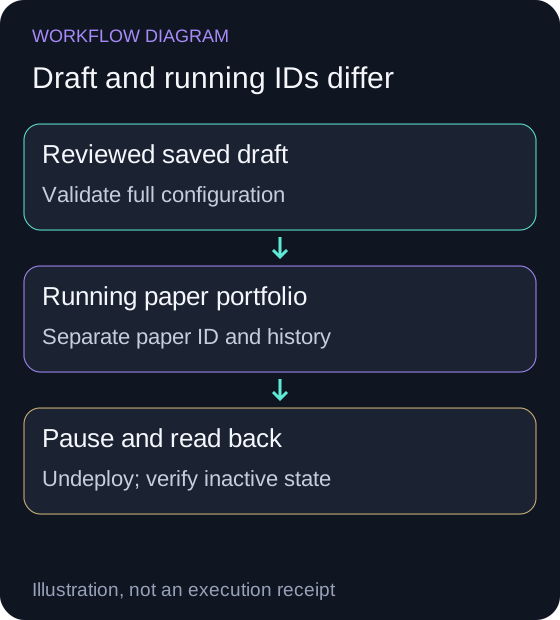
Keep the running paper ID separate
Only deploy after reviewing the explicit request. Inspect the returned paper book and query_portfolio_history with that running ID; use undeploy to pause and read back its inactive state.
Paper activity is simulated and may differ from the backtest. Opening this guide or its example does not activate paper or live trading.
Inspect a historical example before paper trading
Compare a completed strategy backtest, then create a separate paper draft and follow its actual deployed history.
Read and pause the verified paper book
After separately approving paper activation, discover the new book with fetch_portfolios and pass its returned portfolioId as portfolio_id to get_portfolio. Require type paper and compare the copied strategies, initialValue and active state with the approved candidate. Use this running ID for history; keep the original chat draft ID separate.
The history request below reads recorded paper values; it does not start a test. An empty response requires checking activation time, state and whether observations exist. Do not create a replacement deployment merely because an account read timed out.
At the planned review date, show the undeploy operation for that same verified paper ID and approve the pause before submitting it. Read the same book afterward and require type paper and isActive false. Preserve the history instead of deleting the book.
{
  "portfolio_id": "<verified-running-paper-ID>",
  "page": 1,
  "page_size": 500
}
Pause request after identity review
Show pause request after identity review
{
  "operations": [
    {
      "type": "undeploy",
      "portfolioId": "<verified-running-paper-ID>"
    }
  ]
}
A real product preview before paper activation
Show the table · 4 rows, 2 columns
| Returned field | Observed value |
|---|---|
| Validation | valid: true; issues: [] |
| Entry | Buy 25% of the portfolio in SPY whenever SPY's price is above its 200-day average price and the portfolio holds no SPY. |
| Exit | Sell 100% of the current SPY position whenever SPY's price is below its 200-day average price and the portfolio holds SPY. |
| Persistence | Nothing was saved |
No matching rows. Clear the filter to see all records.
Here is one complete SPY candidate accepted by NexusTrade's build_portfolio tool on October 10, 2026. It returned valid: true and no issues. This is a $10,000 draft definition: enter from flat with 25% of portfolio value above its 200-day average; sell the complete held SPY position below the average. Equality triggers neither rule.
The preview saved nothing and activated no paper book. Both returned rules have automaticOrderApproval: false. Review the accepted rules, then read query_portfolio_history for the paper deployment's recorded observations.
{
  "name": "Public SEO example - SPY SMA200 quarter entry",
  "initialValue": 10000,
  "cash": 10000,
  "buyingPower": 10000,
  "strategies": [
    {
      "name": "Guarded 25-percent entry",
      "condition": {
        "type": "And",
        "conditions": [
          {
            "type": "Base",
            "lhs": {
              "type": "Price",
              "targetAsset": {
                "type": "Stock",
                "symbol": "SPY",
                "name": "SPY"
              }
            },
            "comparison": "greaterThan",
            "rhs": {
              "type": "SimpleMovingAverage",
              "targetAsset": {
                "type": "Stock",
                "symbol": "SPY",
                "name": "SPY"
              },
              "window": {
                "length": 200,
                "interval": "Day"
              }
            }
          },
          {
            "type": "Base",
            "lhs": {
              "type": "PositionValue",
              "targetAssets": [
                {
                  "type": "Stock",
                  "symbol": "SPY",
                  "name": "SPY"
                }
              ]
            },
            "comparison": "equal",
            "rhs": {
              "type": "Value",
              "value": 0
            }
          }
        ]
      },
      "action": {
        "type": "Buy",
        "targetAsset": {
          "type": "Stock",
          "symbol": "SPY",
          "name": "SPY"
        },
        "amount": {
          "type": "percent of portfolio",
          "amount": 25
        }
      },
      "orderExecution": {
        "type": "Market"
      }
    },
    {
      "name": "Close below average",
      "condition": {
        "type": "And",
        "conditions": [
          {
            "type": "Base",
            "lhs": {
              "type": "Price",
              "targetAsset": {
                "type": "Stock",
                "symbol": "SPY",
                "name": "SPY"
              }
            },
            "comparison": "lessThan",
            "rhs": {
              "type": "SimpleMovingAverage",
              "targetAsset": {
                "type": "Stock",
                "symbol": "SPY",
                "name": "SPY"
              },
              "window": {
                "length": 200,
                "interval": "Day"
              }
            }
          },
          {
            "type": "Base",
            "lhs": {
              "type": "PositionValue",
              "targetAssets": [
                {
                  "type": "Stock",
                  "symbol": "SPY",
                  "name": "SPY"
                }
              ]
            },
            "comparison": "greaterThan",
            "rhs": {
              "type": "Value",
              "value": 0
            }
          }
        ]
      },
      "action": {
        "type": "Sell",
        "targetAsset": {
          "type": "Stock",
          "symbol": "SPY",
          "name": "SPY"
        },
        "amount": {
          "type": "percent of current positions",
          "amount": 100
        }
      },
      "orderExecution": {
        "type": "Market"
      }
    }
  ],
  "supportsFractionalShares": false,
  "supportsCrypto": false,
  "alertsEnabled": false,
  "dividendPolicy": "reinvest"
}
Start inside Aurora
Open Aurora with the link below and request a new paper candidate. Select View Portfolio on the returned portfolio card to inspect its rules. Return to the conversation with the paper-only activation request below. After approval, open the returned running portfolio and confirm its Paper label before beginning your observation log. A draft in the conversation and a running paper portfolio are separate records.
Freeze the candidate before observing it
Use Aurora to author an explicit portfolio, then inspect the universe, entry, sizing and exit rules. Historical tests can help you understand the configuration; paper observation evaluates how the selected candidate behaves from the observation start onward.
Paper uses simulated money. Its recorded results are neither a retrospective backtest nor real brokerage fills.
Ask for a paper-only activation plan
Use a new chat candidate, read the exact portfolio ID and review its full configuration. Existing live IDs must stay outside a paper-only request. Approval to draft a strategy is separate from approval to activate it.
Read this newly authored candidate and show its complete strategies. Propose a paper-only deployment and wait for my approval. Do not reactivate or edit any existing brokerage portfolio. After approval, verify the deployment type is paper, record the returned running portfolio ID, and use that ID for monitoring.Verify evaluation and review paper orders
Open the verified running paper portfolio in NexusTrade and inspect its Deployment Center. The Automated Trading switch controls strategy evaluation: if you choose to change it, select Save Changes and read the same portfolio again. Confirm isActive and record the actual deployment frequency. This control is separate from the live-only Autonomous Trading approval policy; paper portfolios remain on manual order review.
When a signal creates a pending simulated order, open Order Management, select Paper and Needs Review, and compare its portfolio, symbol, side and size with the frozen rules before choosing Confirm. Check the resulting order state and paper history. A pending approval is not a filled trade. An empty history can mean no qualifying signal or an unapproved order; it does not justify another deployment.
Monitor the running paper portfolio
Use the paper deployment’s own history and event records. Keep its running ID separate from the original draft. The SDK’s deployment.portfolioId identifies the running book; saved book.id remains the draft.
Ask Aurora to describe recorded activity, exposure, periods with no trades and any changes to the configuration. A fresh historical backtest is not a replacement for reading the deployed paper curve.
Keep the next decision explicit
Record the observation window and rule version before making changes. Changing the strategy during observation starts a new comparison question. Compare observed signals, order timing, costs and exposure with the frozen plan before choosing a live workflow.
Moving to a brokerage account is a separate account workflow. A paper activation does not grant approval to create a live brokerage portfolio or submit orders.
No comments yet.