TL;DR
Use the TypeScript SDK to build the seven-rule AI template, submit one historical test and wait on its returned ID. The product's 2024 QuickTest reported 70.97% versus SPY's 25.30%, with a deeper 23.49% versus 9.13% drawdown. That receipt is separate from your SDK run. The rules repeatedly buy from remaining buying power and have no sell rule; preserve fees, dividend policy and request identity when reproducing the experiment.
A completed example from the product
Exact values from the product statistics table, separate from an SDK execution. Both start at $10,000. Higher return came with a deeper drawdown.
Show the table · 4 rows, 3 columns
Scroll sideways to compare all columns. Select a heading to sort.
| Return from starting capital | 70.97% | 25.30% |
| Sharpe ratio | 1.75 | 1.42 |
| Sortino ratio | 2.38 | 1.90 |
| Maximum drawdown | 23.49% | 9.13% |
No matching rows. Clear the filter to see all records.
The Artificial Intelligence Revolution template completed a QuickTest on October 10, 2026, for January 1 through December 31, 2024, with $10,000 starting capital. The first chart point was January 2. The statistics table reported 70.97% for the template and 25.30% for Hold SPY, with ending value $17,096.90.
The table return uses the $10,000 initial value; the chart's 71.14% badge uses its first visible point. Follow the purchases into the seven ending positions and inspect the trades around the largest drawdown. The SDK example below creates the same fixed basket. Save your selected fees and dividend policy with a new run to compare its result with this product example.
Install and authenticate
These examples use NexusTrade TypeScript SDK 1.42.0 in Node. Use a registered API key with write and read access for submission and result retrieval.
npm install nexustrade@1.42.0
printf 'NexusTrade API key: '
read -rs NEXUSTRADE_API_KEY
export NEXUSTRADE_API_KEY
printf '\n'
Run the documented example
Place this example in a Node TypeScript project that supports top-level await. Install nexustrade and configure the API key in the process that runs the script. It builds the template's seven Always-buy rules with percent-of-buying-power sizing, then submits a 2024 SPY comparison and waits for completion. Each rule can buy again when evaluated; the template has no sell rule. Follow the resulting orders to see how each purchase uses remaining buying power.
import { NexusTradeClient, Value, eq, backtest, buy, stockAsset, portfolio, strategy } from "nexustrade";

const universe: Array<[string, number]> = [
  ["CRM", 5], ["AVGO", 5], ["META", 15], ["TSLA", 15],
  ["NVDA", 20], ["MSFT", 20], ["GOOGL", 20],
];
const book = portfolio("AI template worked example", universe.map(([symbol, percent]) =>
  strategy("Buy " + symbol, eq(Value(1), Value(1)),
    buy(stockAsset(symbol), percent, "percent of buying power"))
), { initialValue: 10000 });

// Local authoring above makes no request. The following submits one job.
const client = new NexusTradeClient();
const operation = await client.createBacktest(
  backtest(book, { startDate: "2024-01-01", endDate: "2024-12-31", interval: "Day", baselineSymbol: "SPY" }),
  { idempotencyKey: "seo-ai-template-2024-v1" }
);
const result = await client.waitForBacktest(operation.id as string);
console.log(result.result);
Wait for completion and retry the same request
On success, result.result contains the historical result. The wait helper throws on failed or cancelled operations by default. If it times out, call client.getBacktest with the saved ID or resume client.waitForBacktest on that ID. Keep the original operation ID and await completion. Reuse the same idempotency key for the same request; changing a payload requires a new key. Inspect the completed chart, then follow the signals, filled orders and fee entries to understand the result.
The SDK uses HTTPS except loopback and rejects unsafe redirects. A transport error does not establish whether a job was accepted; recover the idempotent operation rather than submitting unrelated duplicate work.
Follow one worked path
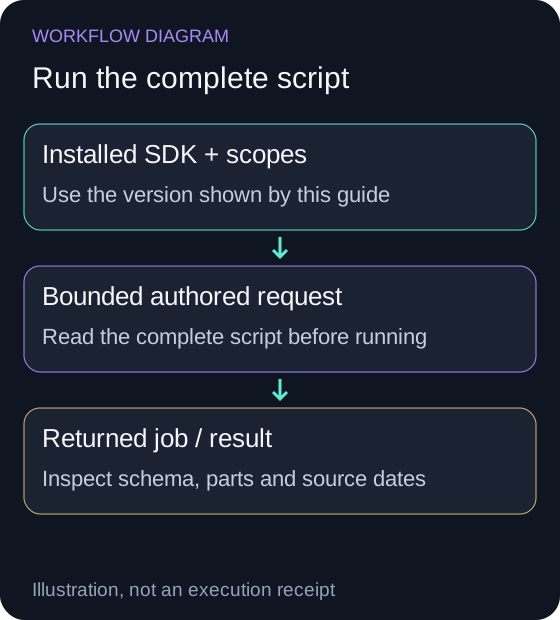
Install the shown SDK version
These examples use NexusTrade TypeScript SDK 1.42.0 in Node. Use a registered API key with write and read access for submission and result retrieval.
The matching package is available and the request uses the appropriate read, write or lake scope.
npm install nexustrade@1.42.0
printf 'NexusTrade API key: '
read -rs NEXUSTRADE_API_KEY
export NEXUSTRADE_API_KEY
printf '\n'Review the full candidate
Run the complete seven-rule example below after reviewing its sequential percent-of-buying-power sizing, dates and capital.
The saved candidate is separate from the historical backtest job. Submission can consume credits; do not run again while the original job is pending.
import { NexusTradeClient, Value, eq, backtest, buy, stockAsset, portfolio, strategy } from "nexustrade";

const universe: Array<[string, number]> = [
  ["CRM", 5], ["AVGO", 5], ["META", 15], ["TSLA", 15],
  ["NVDA", 20], ["MSFT", 20], ["GOOGL", 20],
];
const book = portfolio("AI template worked example", universe.map(([symbol, percent]) =>
  strategy("Buy " + symbol, eq(Value(1), Value(1)),
    buy(stockAsset(symbol), percent, "percent of buying power"))
), { initialValue: 10000 });

// Local authoring above makes no request. The following submits one job.
const client = new NexusTradeClient();
const operation = await client.createBacktest(
  backtest(book, { startDate: "2024-01-01", endDate: "2024-12-31", interval: "Day", baselineSymbol: "SPY" }),
  { idempotencyKey: "seo-ai-template-2024-v1" }
);
const result = await client.waitForBacktest(operation.id as string);
console.log(result.result);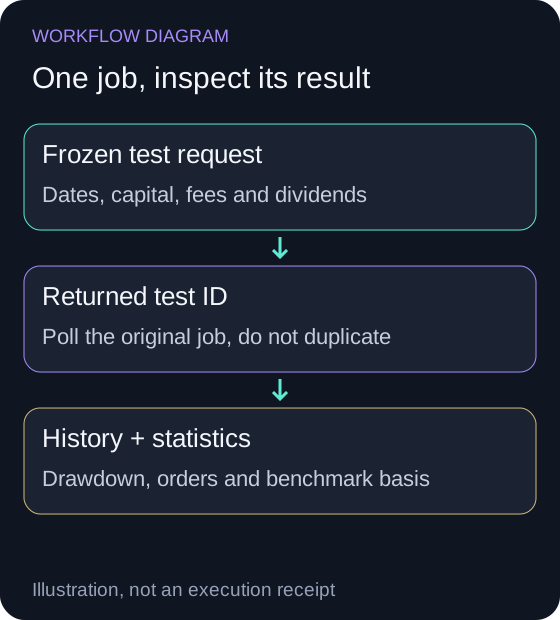
Run the documented example
Place this example in a Node TypeScript project that supports top-level await. Install nexustrade and configure the API key in the process that runs the script. It builds the template's seven Always-buy rules with percent-of-buying-power sizing, then submits a 2024 SPY comparison and waits for completion. Each rule can buy again when evaluated; the template has no sell rule. Follow the resulting orders to see how each purchase uses remaining buying power.
- Return from starting capital
- AI template: 70.97% · Hold SPY: 25.30%
- Sharpe ratio
- AI template: 1.75 · Hold SPY: 1.42
- Sortino ratio
- AI template: 2.38 · Hold SPY: 1.90
- Maximum drawdown
- AI template: 23.49% · Hold SPY: 9.13%
The shown product receipt demonstrates its originating workflow, not proof that your local SDK request has executed.
No comments yet.